Master Lumion for Fast & Atmospheric Architectural Renders
Breathe life into your 3D models with Lumion's legendary ease of use, vast nature library, and stunning cinematic effects.
Course Duration
24 Hours
Modules
8
Corporate Days
3 Days
What is Lumion?
Lumion is the preferred tool for architectural offices that need high-quality visuals without the steep learning curve of complex engines. With Lumion skills, you can:
Transform CAD models into beautiful renders in minutes
Utilize a massive library of over 6,000 assets and nature models
Create professional animations and fly-throughs with ease
Simulate realistic weather, lighting, and atmospheric conditions
Synchronize your design workflow with Lumion LiveSync
Open Doors to Exciting Roles:

Easily animate cameras, people, cars, and even falling rain to create professional movie sequences that tell your design's story.
Who this course is for
Create lush, realistic exterior environments with thousands of plants.
Produce rapid conceptual renders for client meetings and competitions.
Visualize large-scale city developments with ease and performance.
Create cozy, lit interiors with realistic materials and entourage.
Add a high-speed rendering tool to meet demanding project deadlines.
Craft stunning portfolios with cinematic stills and movie sequences.
Career Opportunities
Open doors to roles that infrastructure, design and BIM employers are actively hiring for.
Google reviews
“I had a great experience learning Lumion at CADD International Dubai. Special thanks to my trainer Faisal Rahman—his teaching was clear, practical, and easy to follow. He made the software simple to understand, even for beginners.”
“I recently had the incredible opportunity to enroll in a Lumion course at CADD , and I couldn't be happier with the knowledge and skills I gained during this journey.”
“Great training center. Hisana, my trainer, was really good, prepared, professional and with a positive attitude. Even all the other team members I interacted with were professional, nice and cooperative.”
Why CADD International
Small batches, real project files and an instructor who reviews your work — not just a video library.
Book a free counselling callLearn Lumion workflows from professionals who have delivered real projects.
Every module ends with a practical exercise reviewed by your instructor.
Weekday, evening and weekend batches — in our Dubai classroom or live online.
Autodesk certificate of completion plus a KHDA-attested CADD International certificate.
Portfolio guidance and interview preparation for Lumion roles.
FREQUENTLY ASKED QUESTIONS
Can’t find your answer? Speak to a course advisor — it takes two minutes.
Ask us on WhatsAppDesigners and architects who need to create high-quality visualizations and animations quickly without complex technical setups.
We use the latest version, Lumion 2024, which includes advanced ray tracing and professional lighting features.
The course duration is 24 hours. We offer flexible batch timings including weekday and weekend options.
Yes, our live online instructor-led training allows you to learn Lumion remotely with full support.
You will be able to create stunning still images, cinematic fly-through videos, and immersive 360-degree panoramas for your projects.
Yes, you receive a CADD International completion certificate that is KHDA-attestable in the UAE.
Lumion requires a PC with a high-end graphics card (GPU). We recommend NVIDIA GeForce RTX series or similar for optimal performance.
Contact our counselors through our website or visit our Dubai campus for a free demo session and registration details.
Start Your Lumion Journey Today
Free career consultation, free demo session, and flexible timings available. Speak with our Academic Counselor today.
Trusted by leading companies across the region for corporate training.















 Corporate Training · Batch 218
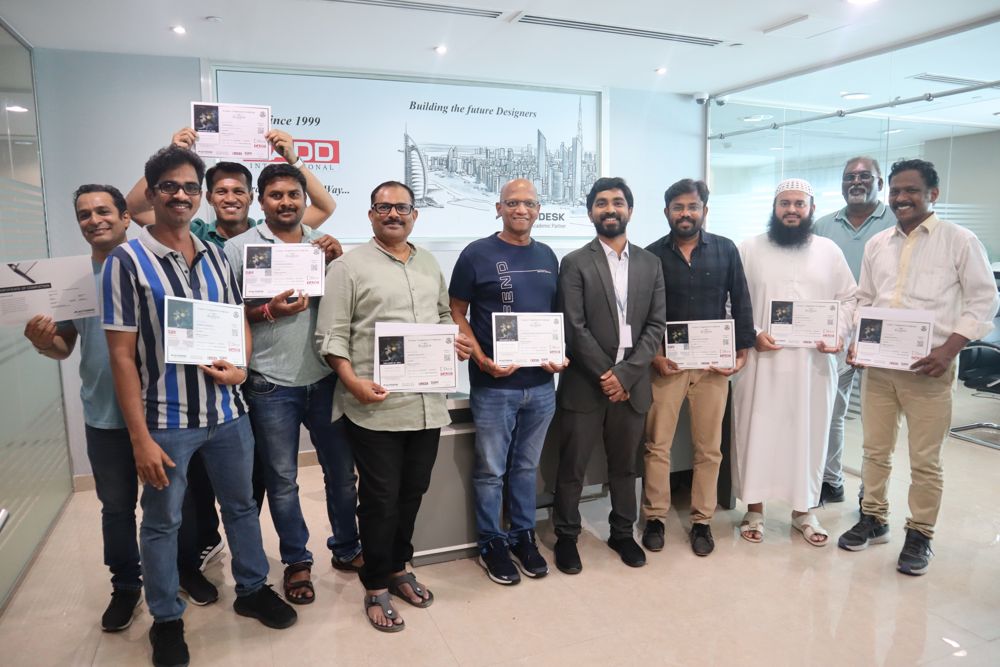 Corporate Training · Batch 143
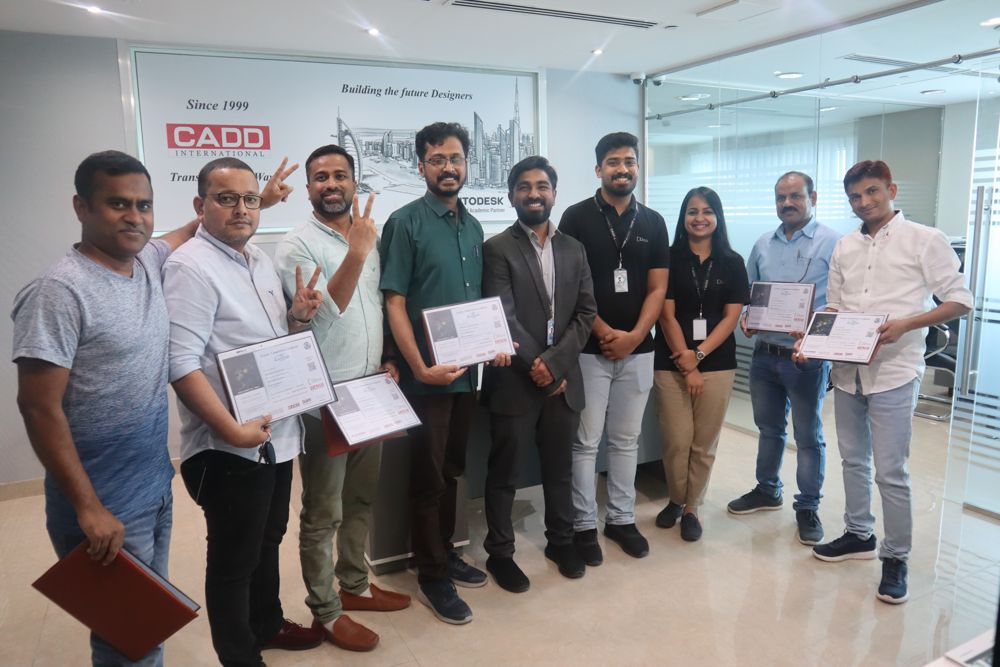 Corporate Training · Batch 267
 Corporate Training · Batch 189
 Corporate Training · Batch 234
 Corporate Training · Batch 112
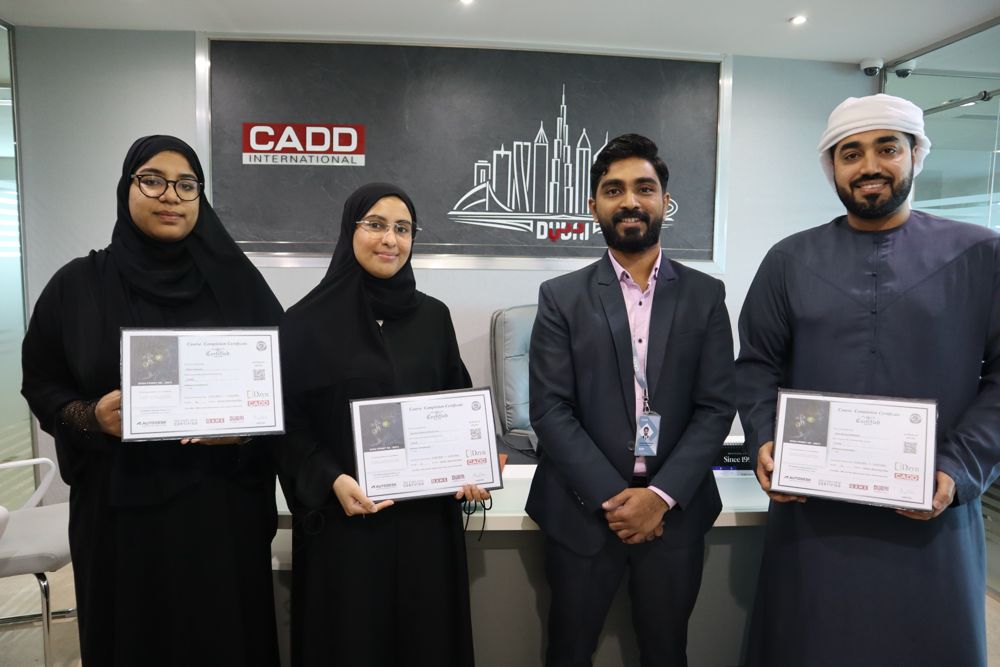 Corporate Training · Batch 291
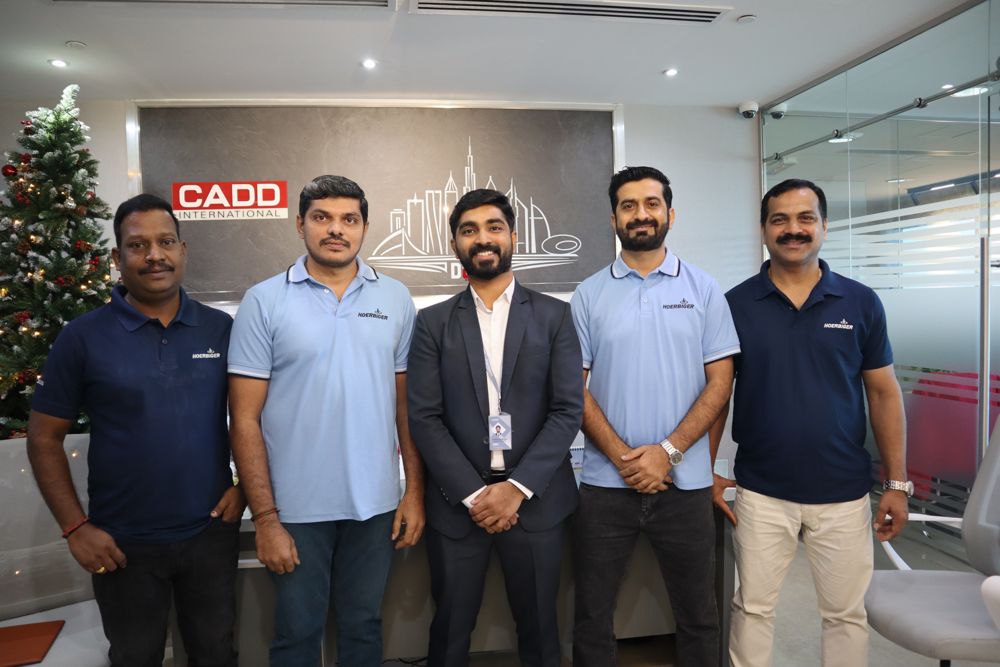 Corporate Training · Batch 156
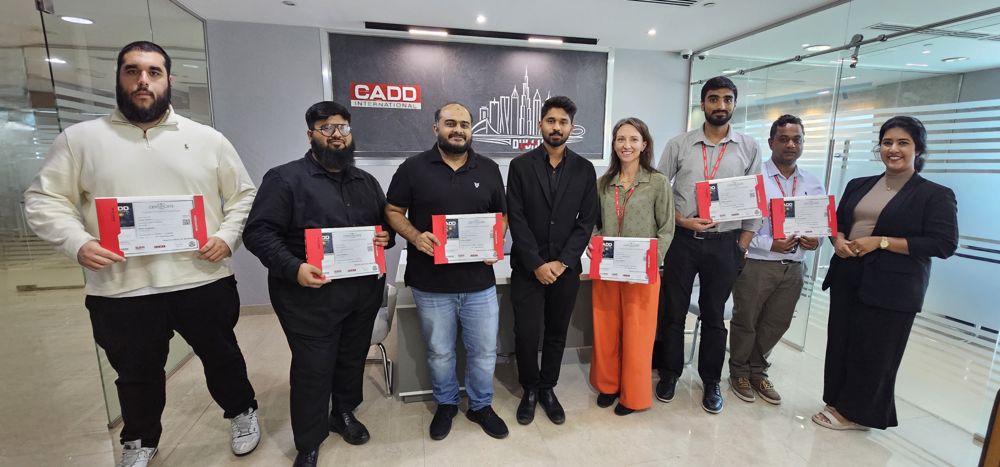 Corporate Training · Batch 205
 Corporate Training · Batch 178