Learn professional mechanical engineering software for 3D modeling, simulation, and documentation.
Course Duration
40 Hours
Modules
15
Corporate Days
5 Days
4.9
Google · Trustpilot
What is Inventor?
Inventor is the standard for mechanical engineering product design. With Inventor skills, you can:
Create complex 3D parametric models
Perform finite element analysis (FEA)
Produce detailed manufacturing drawings
Automate design with iLogic
Work on machine and fabrication designs
Open Doors to Exciting Roles:

Validate stress and motion for parts and assemblies.
Who this course is for
Part design and complex assemblies.
Product form and function validation.
Tooling and jig design.
Sheet metal and frame design.
Professional mechanical CAD.
Upgrade to 3D mechanical modeling.
Career Opportunities
Open doors to roles that infrastructure, design and BIM employers are actively hiring for.
Google reviews
1000+ Google reviews
Ahmed K.
2 weeks ago
Excellent Inventor training. The trainer explained every command with real project drawings. I got a draftsman job within a month.
Priya S.
1 month ago
Very supportive staff and flexible timings. The hands-on practice made it easy to learn even as a complete beginner.
Mohammed R.
3 months ago
Best CAD institute in the UAE. Well-structured course, friendly trainers and a recognised certificate. Highly recommended.
Why CADD International
Small batches, real project files and an instructor who reviews your work — not just a video library.
Book a free counselling callLearn Inventor workflows from professionals who have delivered real projects.
Every module ends with a practical exercise reviewed by your instructor.
Weekday, evening and weekend batches — in our Dubai classroom or live online.
CADD International course-completion certificate [add accreditation details].
Portfolio guidance and interview preparation for Inventor roles.
FREQUENTLY ASKED QUESTIONS
Can’t find your answer? Speak to a course advisor — it takes two minutes.
Ask us on WhatsAppMechanical engineers, product designers, and manufacturing specialists focused on 3D mechanical design and product simulation.
We teach on the latest release of Autodesk Inventor. The skills you learn are industry-standard and applicable to current professional projects.
The course is 40 Hours, delivered in 2-hour sessions (20 sessions in total). We offer weekday morning, weekday evening, and weekend batches, plus corporate and one-to-one training.
Yes. Online batches are live and instructor-led, with the same curriculum, exercises, and project reviews as our Dubai classroom. You can ask questions in real time and share your screen for help.
You will be able to create complex 3D parametric models, perform stress analysis (FEA), produce manufacturing drawings, and automate designs using iLogic.
Yes. On successful completion, learners are eligible for an Autodesk certificate, and their course certificate can be attested by KHDA (Knowledge and Human Development Authority, Dubai), adding recognised value for employers in the UAE.
Classroom students use our workstations with the software installed. Online students need a Windows PC that can run Autodesk Inventor. Eligible students and educators can get free access through the Autodesk Education plan, and our team can guide you through setup.
Fill in the enquiry form, call us, or message us on WhatsApp. An advisor will confirm your level, recommend a batch, and reserve your seat.
Start Your Inventor Journey Today
Free career consultation, free demo session, and flexible timings available.
Trusted by leading companies across the region for corporate training.



















 Corporate Training · Batch 218
 Corporate Training · Batch 143
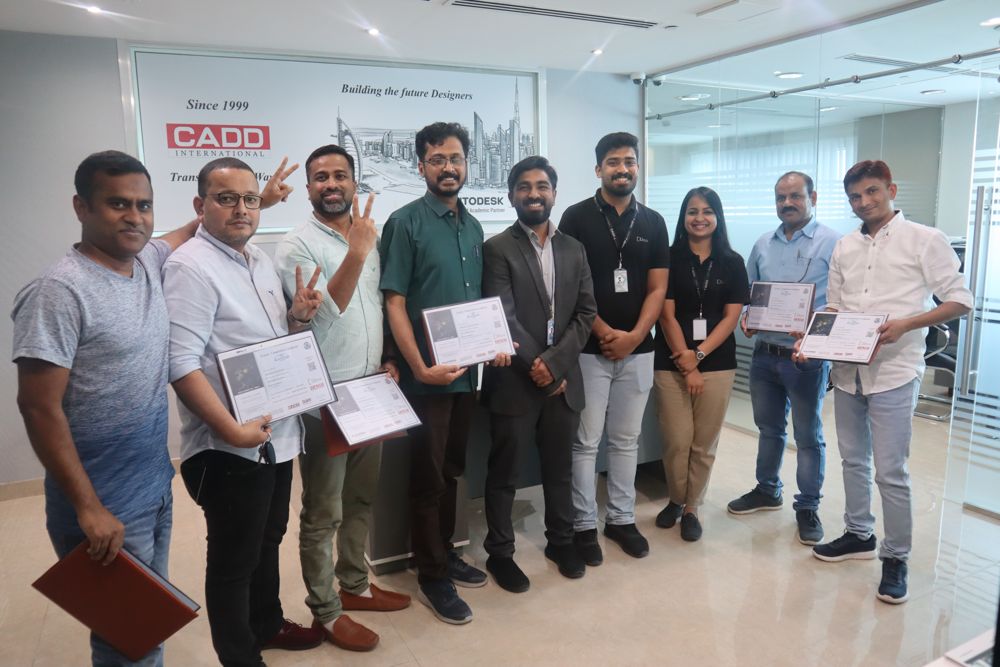 Corporate Training · Batch 267
 Corporate Training · Batch 189
 Corporate Training · Batch 234
 Corporate Training · Batch 112
 Corporate Training · Batch 291
 Corporate Training · Batch 156
 Corporate Training · Batch 205
 Corporate Training · Batch 178